 By Admin
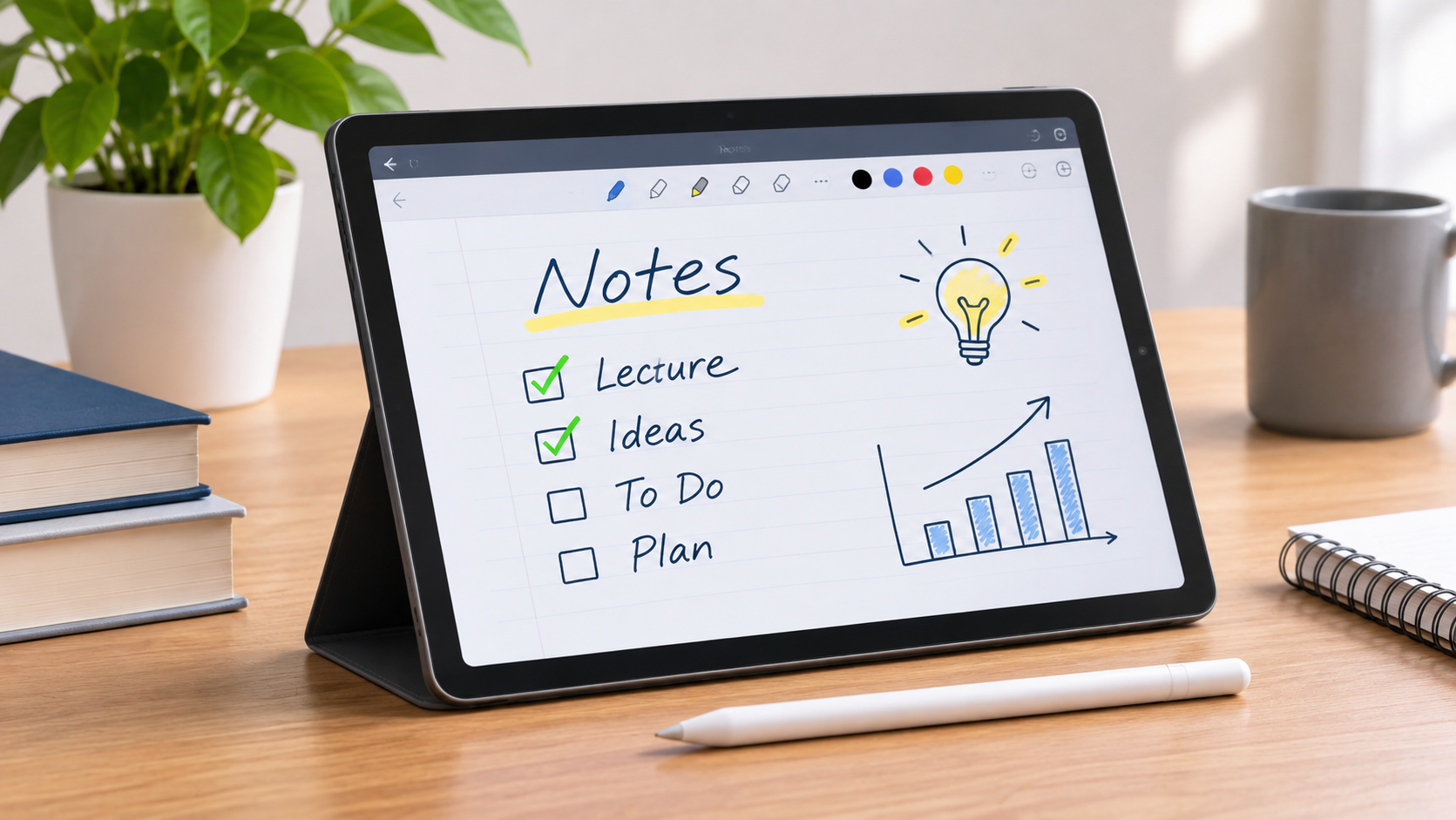
Finding the best tablet for note taking can make studying, organizing ideas, and managing daily tasks much easier. Modern tablets allow users to write handwritten notes, highlight documents, draw diagrams, and organize information digitally.
Whether you’re a college student, teacher, or working professional, choosing the right note-taking tablet depends on your budget, preferred applications, and writing experience.
Why Choose a Tablet for Note Taking?
A tablet for note taking offers several advantages over traditional notebooks.
You can store thousands of pages, organize notes into folders, search documents, and access important information from different devices.
Many tablets also support handwriting recognition, allowing handwritten notes to be converted into editable text.
Additionally, digital note-taking reduces the need to carry multiple notebooks and printed documents.
1. Apple iPad Air M4 — Best Overall
The Apple iPad Air M4 is an excellent choice for students and professionals seeking a versatile note-taking device.
Available in 11-inch and 13-inch sizes, it supports the Apple Pencil Pro for precise handwriting and drawing.
Popular applications such as Goodnotes, Notability, and Apple Notes provide advanced note organization features.
Its powerful processor also supports multitasking, video calls, and creative applications.
However, the Apple Pencil Pro is sold separately, increasing the overall cost.
2. Samsung Galaxy Tab S11 — Best Android Tablet
The Samsung Galaxy Tab S11 is a strong option for Android users.
It features an 11-inch AMOLED display and includes the S Pen for handwriting.
Samsung Notes allows users to write, organize, and annotate documents efficiently.
Its multitasking features also make it useful for students attending online classes or professionals managing multiple projects.
The included stylus makes it particularly appealing to buyers who want a complete note-taking setup.
3. reMarkable Paper Pro — Best Paper-Like Experience
The reMarkable Paper Pro focuses on providing a distraction-free digital writing experience.
Its 11.8-inch color E Ink display creates a reading and writing environment that resembles traditional paper.
Users can create notebooks, annotate PDFs, and organize handwritten information.
Unlike conventional tablets, it does not focus on entertainment applications or social media.
This makes it suitable for individuals who prefer concentrating on writing and reading.
4. Amazon Kindle Scribe — Best for Reading and Notes
Amazon Kindle Scribe combines digital reading with handwritten note-taking.
Its E Ink display makes reading books and reviewing documents comfortable.
The included pen allows users to write notes, create notebooks, and annotate supported documents.
It is particularly suitable for readers who want to combine their digital library with personal notes.
However, its application options are more limited than those of traditional Android or Apple tablets.
5. Samsung Galaxy Tab S10 Lite — Best Budget Option
The Samsung Galaxy Tab S10 Lite offers practical note-taking features at a more affordable price.
Its 10.9-inch display provides enough space for handwriting, studying, and document viewing.
The included S Pen helps users take handwritten notes without purchasing a separate stylus.
It is a sensible option for students who need everyday functionality without paying premium tablet prices.
What to Look for in a Note-Taking Tablet
When selecting a tablet for note taking, consider these important features:
- Stylus support: Choose a responsive pen with comfortable handwriting performance.
- Display quality: Look for a clear screen suitable for extended reading.
- Battery life: A longer-lasting battery supports classes and meetings.
- Storage: Make sure there is enough space for notes and documents.
- Application compatibility: Check support for your preferred note-taking apps.
Conclusion
The best tablet for note taking depends on your needs and spending preferences.
The Apple iPad Air M4 offers excellent versatility, while the Samsung Galaxy Tab S11 provides strong Android features.
For distraction-free handwriting, the reMarkable Paper Pro is worth considering, while the Kindle Scribe and Galaxy Tab S10 Lite offer specialized and affordable alternatives.
Choosing a tablet that matches your daily workflow can make digital note-taking more organized and productive.